
STARBAR V2 GUIDED TOUR
See it work.
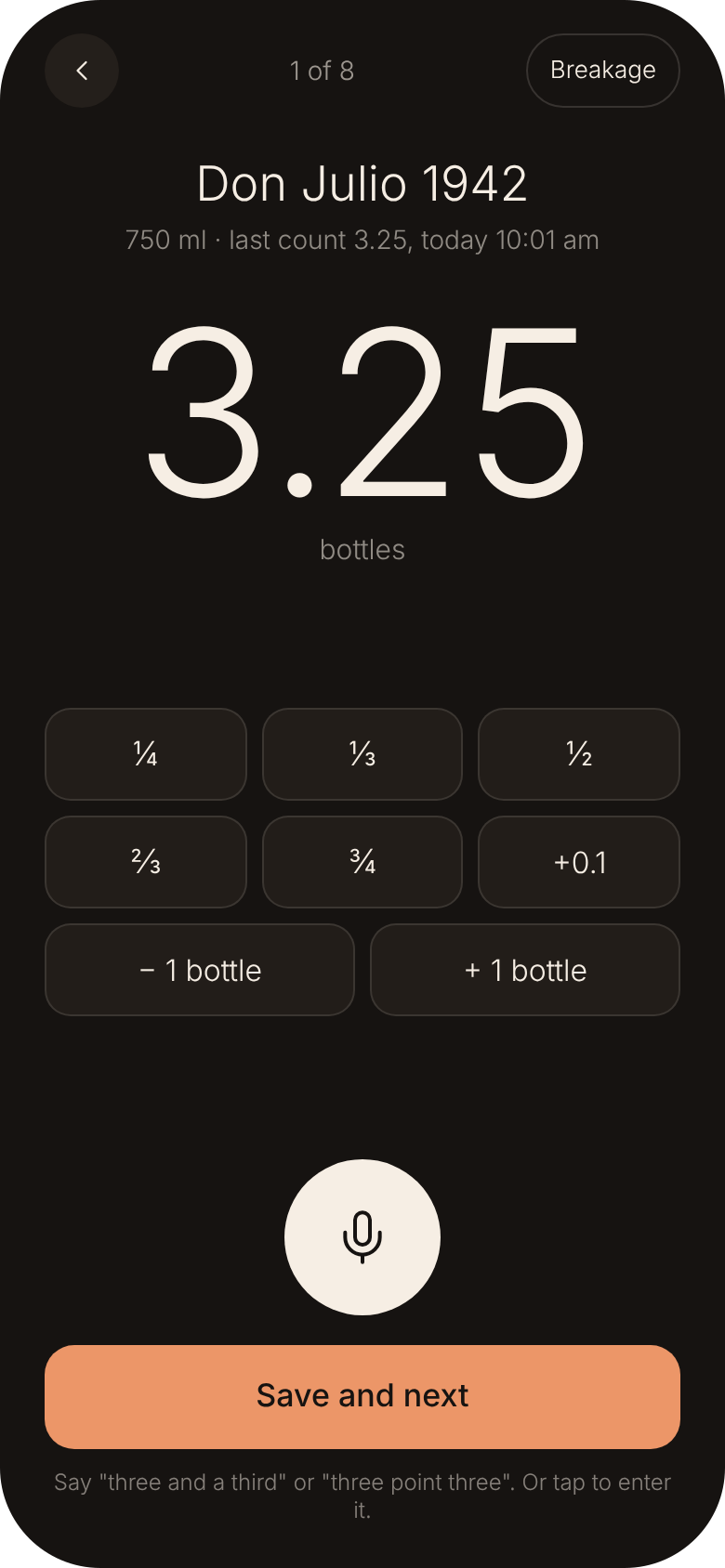
Follow a shift at a sample restaurant. Make a short watchlist, say the count, check what StarBar heard, and hand off a record the next shift can see.
- Start with the items that matter most.
- Say the count and check it before saving.
- Review the count and hand it off.
Watch a shift from start to finish.
3:36 · Narrated walkthrough · Sample restaurant · English captions
BEFORE YOUR FIRST COUNT
Frequently asked questions.
What operators usually want to know before trying voice inventory.
What can I count with StarBar?
Bar and food inventory, including spirits, beer, wine, ingredients, and supplies. Set up the items you want to count in the web dashboard first.
Do I need a scale or scanner?
No. Take the count on a supported smartphone and use the web dashboard to manage your catalog.
What if the app hears the wrong thing?
Review what was transcribed and correct the item or quantity before finishing. You can also give hard-to-pronounce products a nickname in the dashboard.
Can I start from my existing count sheet?
Yes. Your existing product list is a useful starting point. The dashboard supports bulk catalog import using an inventory CSV template.
Can I manage more than one location?
Yes. Multiple locations can be managed from one dashboard. For a rollout, we suggest starting with one team and one regular count.
What happens when I finish a count?
Review the finished report and share it with the managers or finance team who use the numbers. Ask us on the demo how the report can fit your current process.
Is StarBar AI?
StarBar uses speech recognition to turn what you say into count entries. The AI does the listening. You check the item and quantity before saving, so the record reflects what your team actually counted.
What is MGE, and why does StarBar use it?
MGE is FohBoh’s Metrics Governance Engine, a rules engine, not AI. Its role in a StarBar integration is to check a count record against the available evidence and rules, and withhold certification when the evidence falls short. The guided tour does not show a live MGE certification.
Do I need to integrate with my systems to use StarBar?
No. Start with a list of items and count them by voice. You do not need to connect your POS, accounting software, or inventory system to run a SnapCount. Keep using those systems for the work they already do.
Do I need Wi-Fi to use StarBar?
Wi-Fi is not the only option. A reliable cellular data connection can also reach the online features. If you count in a walk-in or storeroom with no signal, test that spot first rather than counting on offline voice or sync.
Where do all my counts go?
A saved count becomes a shift record for that location. The record shows what was counted, when, and by whom, so the next manager can review it. Where your team can view or share records depends on how your account is set up.
How is SnapCount different from full inventory management?
SnapCount is a short, repeatable shift count for the items you most need to watch. Full inventory covers the whole list and is typically done less often. Keep your full inventory and back-office process for purchasing, valuation, and period close; use SnapCount to stay on top of what changes between those counts.
Which items belong on my SnapCount watchlist?
Start with a few items where being off by one or two really matters: premium bottles, steaks, seafood, or products that repeatedly come up short. The 80/20 idea is a rule of thumb: spend your shift-count time where mistakes cost you most.
Who should be able to see or share my counts?
Give access only to the people who need it: the staff doing the count, the managers reviewing the handoff, and anyone you authorize to receive the report. Do not share logins. For your rollout, confirm which roles can see, edit, and share records before granting access.
What is Hot Potato?
It is StarBar’s shift-by-shift chain of custody. The handoff shows who last counted, who the manager on duty was, and who is accountable now. The incoming shift makes its own count and accepts the handoff. Until then, the outgoing custodian remains accountable.
What happens if a shift misses a required count?
A count is expected every shift when you set that cadence. If a shift misses one, it leaves a gap in the handoff rather than carrying the old count forward as if it were new. The next manager can see what is missing, take a fresh count, and accept custody.
SEE STARBAR IN ACTION
Want to try it with your list?
Bring a few items you know by heart. We’ll walk through the count together.